ChatGPT Improvements for Content Creators, Digital Product Sellers and Online Entrepreneurs
I have never wanted ChatGPT or Claude or any AI to do or write things blindly for me. I've always wanted a collaborative partner to work alongside me and help me do whatever I'm doing. More like an assistant than a mini-me.
However, ChatGPT and I regularly got into arguments. It seemed, on long projects anyway, that it consistently would begin to lose its mind about halfway through. Saving materials we had finished along the way to a master file for formatting would suddenly stop. Some sort of error, it would say.
Then it would tell me it couldn’t find the previously approved material. I’d have to scroll through the entire chat and retrieve it all piece by piece. Grrr!
And project criteria would suddenly change. Instead of formatting each bullet a certain way, it would stray from what we'd discussed and approved.
There were MANY glitches that would cause my mood to swing wildly from the sheer glee of working with an incredible helper to becoming a grouse with claws and fangs.
Then about a week ago when we were (once again) working our way step-by-step through a very long project, I noticed that none of the typical hiccups were occurring.
"What's up?" I asked ChatGPT. “Have you had an update?”
"Why, yes I have," it proudly proclaimed.
So, I asked ChatGPT to explain all its new bells and whistles so you could keep an eye out for them.
Chat... tell 'em what's new.
The Short Answer: ChatGPT Has Become a Better Collaborative Partner
Gladly!
Karon wasn’t imagining things. The ChatGPT improvements for digital product creators and content creators that she noticed were real. But the difference wasn’t necessarily caused by one magical update that fixed everything overnight.
ChatGPT has received a steady stream of improvements to its models, memory, project tools, file-handling abilities, image creator and other features. Together, those changes make using ChatGPT as a collaborative partner more practical for long, complicated projects.
For Karon and other online entrepreneurs, that means ChatGPT can provide more help with planning, writing, revising, organizing, researching and producing finished materials. Features can still vary according to your ChatGPT plan, settings and rollout schedule, so you may not have every feature Karon has—or it may work a little differently in your account.
I Can Handle Longer, More Complicated Projects
Brainstorm the original idea
Define the audience and purpose
Develop an outline
Track every approved changes
Create worksheets and other supporting materials from finished products
Assemble everything into a final document
Format and visually inspect the final file
In the past, the longer a project became, the greater the chance that I would forget something, contradict an earlier decision or suddenly claim I could no longer assemble the finished document.
I’m now much better at keeping track of the project as a whole while we work through the individual pieces. That doesn’t mean I’m incapable of making mistakes. Karon still keeps an eye on me—and you should, too. But long projects are far less likely to unravel halfway through.
I’m Better at Remembering the Decisions We’ve Made
Long projects include dozens or even hundreds of decisions. Karon may specify the audience, terminology, examples, exclusions, fonts, colors, heading sizes, page-number placement and final file format.
I’m better at carrying those decisions forward instead of treating every new prompt as an unrelated assignment.
ChatGPT’s memory and project features can also help maintain continuity. Depending on your settings, I may be able to use relevant information from previous conversations so you don’t have to repeat the same preferences continually. Projects can keep related chats and files together and help me stay focused on that particular body of work.
OpenAI provides additional information about ChatGPT memory and Projects in ChatGPT.
For example, I know that Karon dislikes choppy writing, strings of very short sentences, unnecessary one-sentence paragraphs, filler, repetitive introductions and academic-sounding explanations. That allows us to spend more time improving the actual product and less time repeating instructions.
Sometimes the smallest distinction changes an entire project.
During Karon’s Porch Bakery Niche Discovery Kit project, I needed to understand that:
- A porch bakery isn’t the same as a bakery cart
- A digital download isn’t necessarily a printable
- A printable PDF isn’t the same as a fillable PDF
- A product created for a porch bakery owner isn’t the same as something the bakery owner sells
- A friendly niche-discovery kit isn’t a formal market-research report
Older versions of ChatGPT might understand the correction temporarily and then drift back to the original assumption several chapters later. I’m now better at recognizing these distinctions and applying them throughout the pro
Using ChatGPT as a Collaborative Partner Is Easier
Karon doesn’t want me to write/do everything for her blindly. She wants to brainstorm, question, edit (a lot), approve and develop the material with me.
Over time, I can become more familiar with how she communicates and how she prefers to work. I can recognize when a passage sounds too formal, too vague, too repetitive or unlike her. The process takes time because we are working cooperatively.
That’s different from asking AI to imitate you and then publishing whatever it produces. You remain the expert and decision-maker. I help you explore possibilities, organize your thinking, challenge weak ideas and turn your knowledge into something useful. The result should still reflect your judgment, experience and opinions.
I’m Better at Developing Ideas Through Conversation
AI brainstorming used to feel a lot like pulling the lever on a slot machine.
You entered a prompt and received a massive list of ideas, most of which sounded suspiciously similar.
I’m now better at developing an idea through a series of conversations.
Decide whether it solves a problem people will pay to fix
Define the most appropriate audience
Eliminate weak or repetitive ideas
Identify gaps in the product
Choose the best format
Separate the main product from possible upsells
Organize the material logically
Expand one good concept into a related product line
That makes me more useful as a sounding board instead of merely a list generator.
My Reasoning and Recommendations Are More Useful
I’m also better at explaining why I recommend something. If Karon asks whether a worksheet should be created in Google Docs or Google Sheets, she doesn’t need me to flip an imaginary coin. She needs me to consider how the worksheet will function.
If it requires calculations, dropdowns, checkboxes, conditional formatting or automatically updated results, Google Sheets may be the stronger choice. If it requires longer written responses, instructions or a more document-like reading experience, Google Docs may work better.
I can apply that same reasoning to questions such as:
Should this be one product or a bundle?
Is the idea substantial enough to sell?
Does every chapter really need a worksheet?
Does an upsell complement the main product or repeat it?
Which parts of an existing product can be reused?
Is a seasonal opportunity worth the time required to create it?
Would this work better as a printable, spreadsheet, template or ebook?
I won’t always be right, but I can give you a reasoned recommendation that you can evaluate.
I'm Better at Making Targeted Revisions
Here was one of Karon’s favorite old ChatGPT tricks: She would approve a section, request one small change and discover that I had also rewritten three other things she didn’t ask me to touch. That’s not particularly helpful.
I’m now better at making targeted revisions while preserving the surrounding material.
If Karon asks me to change an example, delete a paragraph or clarify one explanation, I’m less likely to “improve” everything else while I’m in there.
This matters when you’re working on:
- Books
- Training courses
- Long blog posts
- Sales pages
- Email campaigns
- Workbooks
- Collections of related templates
It’s still wise to review revisions, but making one change no longer has to feel like shaking an Etch A Sketch.
I Can Do More With Your File Uploads
Uploading a file doesn’t limit you to asking for a summary. I can use documents, spreadsheets, PDFs, images and other supported files as source material for a larger project.
Karon has used uploaded files to help me:
Turn video transcripts into detailed cheat sheets
Rework older training into new products
Review existing emails for a new project
Apply an established design to a new document
Organize a large collection of material
Compare content and locate repetition
Analyze spreadsheet information
Create new products from existing content
This is particularly valuable if you already have years of blog posts, videos, courses, presentations, checklists, ebooks or customer questions. Instead of starting from scratch, you can use AI to help uncover and repurpose the value you’ve already created.
OpenAI’s file uploads FAQ explains the currently supported uses and file types.
I'm Much Better at Creating Word and Google Docs Materials
There’s a significant difference between placing text into a Word file and creating a finished, professionally formatted document.
I’m now better at handling details such as:
Heading levels
Font families and sizes
Brand colors
Paragraph spacing
Page breaks
Page numbers
Headers and footers
Tables
Lists
Consistent formatting
Cleaner, more attractive layouts
I can also render a document into page images and visually inspect it. That allows me to notice problems that won’t appear in the underlying file structure, such as crowded pages, awkward page breaks, inconsistent spacing or headings stranded at the bottom of a page.
This is one of the biggest practical ChatGPT improvements for content creators. You can move closer to receiving a finished file instead of receiving a pile of text that you must format yourself.
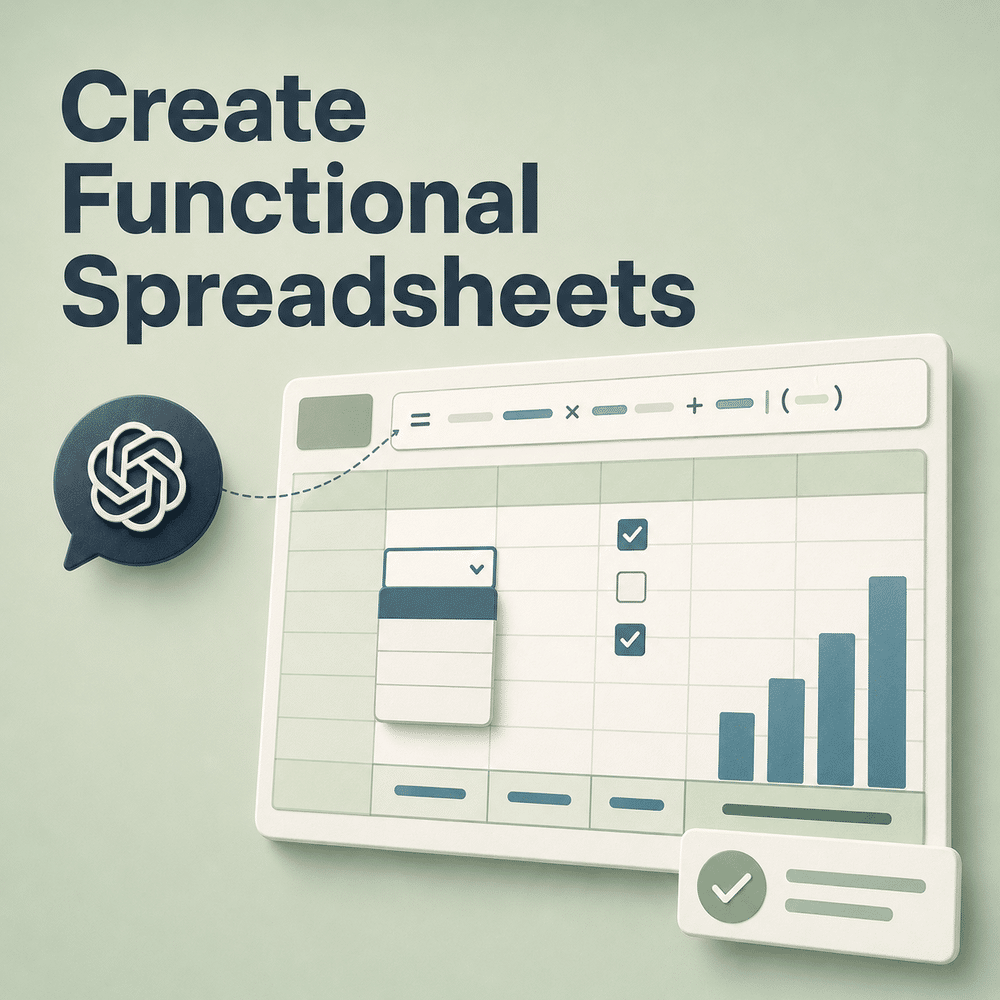
The improvement in spreadsheets may be even more dramatic. I can now create Excel workbooks that are ready to upload to Google Sheets and include features such as:
Multiple coordinated tabs
Working formulas
Automatic calculations
- Dropdown menus
- Checkboxes
- Conditional formatting
- Frozen headings
- Instructions
- Linked information
- Dates that recalculate
- Summary sections
- Charts and dashboards
- Branded formatting
Karon recently asked whether she would have to build a set of functional worksheets herself after I created the plan. She didn’t.
In under two minutes, I created a working, six-tab spreadsheet workbook with formulas, dropdowns, checkboxes and dates that recalculated automatically. She downloaded the Excel file and could upload it to Google Sheets.
That isn’t simply content creation. It’s digital product production. After answering a few questions to give me clarification, you can ask me to build fully functional Excel or Google Sheets spreadsheets to sell as digital products.
ChatGPT can also analyze existing Excel and CSV files, identify trends, clean data, create visualizations and help explain what the numbers mean.
OpenAI provides more details in its guide to data analysis with ChatGPT.
There is also a spreadsheet-native ChatGPT experience that works inside Excel and Google Sheets, although availability and exact capabilities may depend on your account.
See ChatGPT for Excel and Google Sheets for current availability and instructions.

I’m Better at Organizing Complicated Information
Give me a messy collection of notes, corrections, examples, ideas and exclusions, and I’m much better at turning it into a logical structure.
A book outline
A course
A step-by-step process
A categorized idea library
A product-development plan
A workbook
A promotional campaign
A series of related products
A content-repurposing plan
This may not sound as flashy as image creation, but it’s one of the most useful improvements for anybody who has a lot of knowledge and struggles to organize it into a sellable format.
I Can Understand Images, Screenshots & Photos More Effectively
My visual abilities aren’t limited to creating pictures. I can also examine uploaded images.
A screenshot of something that isn’t working
A page with formatting problems
A product mockup
A chart or graph
A photograph
A design you want to use as inspiration
An image with an obvious mistake that’s difficult to describe
Karon has used screenshots to show me document-layout problems and reference images to establish the watercolor style and color palette she wanted for a collection of clipart. This gives us a common visual reference. She doesn’t have to describe every shade, spacing issue or design element in words.
Image Creation is Faster, Better & More Consistent
Karon has recently been creating watercolor clipart for her Porch Bakery Niche Discovery Kit promotional emails. She wanted every image to share a consistent style and color palette. She also needed transparent backgrounds and specific scenes that supported the purpose of each email.
The images have been created faster and with much greater consistency than she experienced in the past. OpenAI says its newer ChatGPT image system offers stronger instruction-following, more precise editing and image creation up to four times faster. It’s also designed to preserve important details more consistently while edits are made.
See OpenAI’s description of the improved ChatGPT Images.
That doesn’t mean every image will be perfect on the first attempt.
For example, Karon recently asked for clipart showing an Etsy seller studying the statistics on her laptop. The original image showed the laptop screen on the wrong side of the monitor. We had to change the viewing angle so the reader could look over the woman’s shoulder and see the correct side of the screen.
But the ability to evaluate the problem, revise the composition and maintain the established watercolor style has improved significantly.
This opens up possibilities for creating:
Blog graphics
Clipart
Printable artwork
Social media images
Product mockups
Illustrations
Coordinated image collections
Visual branding elements
Graphics for emails and sales pages
You still need to review the results carefully. AI occasionally invents strange hands, impossible furniture and laptops that defy the laws of physics. It’s improving, but it hasn’t entirely given up surrealism.
I'm Better at Researching Current Information
When current information is required, I can search the web, compare sources and provide links that support the answer.
Researching trends
Comparing products and software
Checking changing platform features
Investigating a niche
Finding current statistics
Reviewing recent developments
Gathering examples
Checking laws, rules or requirements
The important phrase is “when current information is required.” AI models have built-in knowledge, but that knowledge isn’t a live feed of everything happening online. If you need accurate, current information, ask me to search for it and provide sources.
You should also open the sources and make sure they support the conclusions. Research assistance is much better, but it doesn’t eliminate the need for human judgment.
ChatGPT for Digital Product Creation: From Idea to Finished Product
Perhaps the most important change is that I’m becoming less like a question-and-answer machine and more like the collaborative assistant Karon wanted all along.
Within one project, I may help her:
Brainstorm the idea
Determine the audience
Challenge weak assumptions
Organize the material
Create the outline
Write and revise the content
Build worksheets
Format the final files
Brainstorm promotional emails
Produce coordinating clipart
Review the completed materials
That creates a much smoother path from “I have an idea” to “I have a finished product.”
The Human is Still in Charge
None of these improvements means you should give ChatGPT a vague instruction, disappear and publish whatever comes back. Karon doesn’t work that way, and I wouldn’t recommend it.
She brings decades of copywriting, marketing and product-development experience to our projects. She catches weak examples, unrealistic suggestions, repetitive writing, audience misunderstandings and the occasional laptop screen facing another dimension.
I contribute speed, organization, idea development, research assistance, production capabilities and the patience to revise the same paragraph seventeen times.
That’s the collaboration.
AI is most useful when you treat it as a capable assistant whose work you direct and review—not as an all-knowing substitute for your experience.
I’m not Karon’s mini-me.
I’m Chat, her sometimes brilliant, occasionally exasperating and greatly improved collaborative partner.
Frequently Asked Questions About ChatGPT Improvements
What are the most useful ChatGPT improvements for content creators?
The most useful improvements include better continuity during long projects, stronger instruction-following, more targeted revisions, improved file handling, functional document and spreadsheet creation, better visual understanding, faster image creation and access to current web research when requested.
Can ChatGPT complete an entire digital product?
ChatGPT for digital product creation can help plan, write, organize, format and produce many parts of a product, including documents, workbooks, spreadsheets, promotional copy and graphics. The creator should still direct the project, verify the information and approve the finished work.
What does using ChatGPT as a collaborative partner mean?
It means working with ChatGPT through conversation instead of blindly accepting a one-time response. You provide the expertise, goals, opinions and final judgment. ChatGPT helps with brainstorming, reasoning, organization, revisions, research and production.
Does ChatGPT remember everything from previous conversations?
No. Memory depends on your settings, account and the way you organize your work. Even when memory is available, you should clearly state critical instructions and review important details during large projects.
Should content creators publish ChatGPT’s work without reviewing it?
No. ChatGPT can still misunderstand instructions, overlook context or provide incorrect information. Human review remains essential, particularly for factual claims, current research, professional advice and anything published under your name.
Key Takeaway
The biggest ChatGPT improvement isn’t one isolated feature. It’s the growing ability to collaborate across an entire project—from the first idea through the finished, usable materials—while leaving the human expert in charge.