

This article explains Amazon’s recent 2026 update that allows Kindle authors to offer EPUB and PDF downloads, how DRM works, and how authors can decide whether to enable or disable copyright protection for their books.
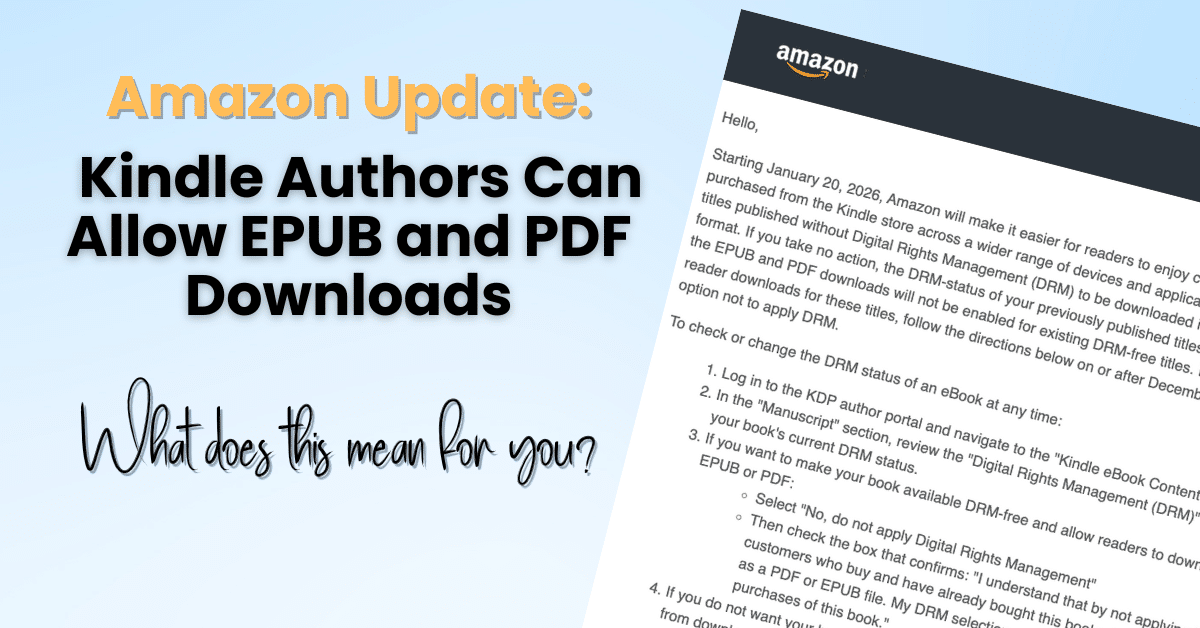
Here’s the email I received on December 17, 2025.

Starting January 20, 2026, Amazon will allow authors who publish Kindle books without Digital Rights Management (DRM) to let readers download their books in EPUB and PDF formats. This marks a major change in how your Kindle content can be accessed from Amazon and outside of Amazon’s ecosystem.
I’ve included a screenshot of the email Amazon sent to authors below so you can see exactly how Amazon explained the change.
For Kindle authors, this update means you’ll need to make decisions about DRM, reader downloads, and how much access you want buyers to have to your files—especially if you publish nonfiction, instructional content, or reference-style books.
Author Quick Summary (Skim This First)
What’s changing: Starting January 20, 2026, Amazon allows Kindle authors who publish without DRM to let readers download their books as EPUB and PDF files.
Who this affects: All Kindle authors, but especially those publishing nonfiction, how-to books, workbooks, or content readers may want to open on multiple devices.
What doesn’t happen automatically:
Existing books will not change on their own
EPUB and PDF downloads are not enabled unless you update your settings
The decision authors need to make:
Apply DRM → no EPUB or PDF downloads
Don’t apply DRM → EPUB and PDF downloads allowed
Why it matters: This update changes how copyright protection, reader access, and file control work for Kindle books.
What Is Amazon Changing for Kindle Authors in 2026?
Here’s the short version of Amazon’s announcement:
Amazon allows authors to offer EPUB and PDF downloads for Kindle books published without DRM
This starts January 20, 2026
Existing titles are not affected unless you update them
Even books that are already DRM-free won’t automatically allow downloads
DRM choices apply to all past and future purchases of a book
This is not a default change. Authors have to actively choose what they want to allow.
What Is DRM (Digital Rights Management) on Kindle Books?
DRM, or Digital Rights Management, is Amazon’s optional copyright protection for Kindle ebooks.
When DRM is applied:
The book is locked to Amazon-approved devices and apps
Readers can’t download standard EPUB or PDF files
Copying, converting, or sharing the file is restricted
When DRM is not applied:
Readers have more flexibility
Under Amazon’s new policy, they can download the book as an EPUB or PDF
The file can be opened in non-Kindle apps
Your books can be shared with others freely
This is why many people are saying Amazon is changing how copyright protection works—because DRM now directly controls whether downloadable formats are available.
What Happens When DRM Is Not Applied to a Kindle Book?
When you choose not to apply DRM:
Readers can download the book file as Kindle
Starting in 2026, that includes EPUB and PDF formats
Past buyers also gain download access
Your DRM choice applies across the board for that title
This gives readers more freedom—but it also means authors need to be comfortable with that tradeoff.
What Are the Pros and Cons of DRM for Kindle Authors?
Pros of Applying DRM
Adds a layer of copyright protection
Reduces casual sharing with other people/groups
Keeps the book fully inside Amazon’s ecosystem
May feel safer for proprietary content
Cons of Applying DRM
Prevents EPUB and PDF downloads
Can frustrate readers who use non-Kindle devices
Limits accessibility options
Does not fully stop piracy
DRM can slow down sharing, but it doesn’t eliminate it because there have long been other ways for people to convert a Kindle book to an EPUB or PDF.
Pros and Cons of Publishing Kindle Books Without DRM
Amazon’s update makes this decision more visible than before.
Pros of No DRM
Allows EPUB and PDF downloads
Improves the reading experience across devices
Works well for nonfiction and reference books
Matches how many authors already sell ebooks on their own sites
Cons of No DRM
Files are easier to share
Less control once the file is downloaded
Not ideal for highly sensitive or premium material
This comes down to your content and your comfort level.

How Do Authors Check Current DRM Status in KDP?
You can check your DRM settings at any time.
Log in to the KDP Author Portal
Open your book and go to Kindle eBook Content
Scroll to the Manuscript section
Look for the Digital Rights Management (DRM) setting
That tells you whether DRM is currently applied.
How Do Authors Enable or Disable EPUB and PDF Downloads?
To allow EPUB and PDF downloads:
Select “No, do not apply Digital Rights Management”
Check the confirmation box acknowledging that past and future buyers can download the file
Save and continue
Republish the book
To prevent downloads:
Select “Yes, apply Digital Rights Management”
Save and continue
Publish the update
Changes can take up to 72 hours to go live.
Should Kindle Authors Allow EPUB and PDF Downloads?
There’s no one-size-fits-all answer.
Allow downloads if:
You publish nonfiction or instructional content
Your readers value flexibility
You already sell DRM-free ebooks elsewhere
You’re focused on accessibility and ease of use
Keep DRM if:
Your content is highly proprietary
You want tighter control over distribution
You’re not comfortable with file sharing
Amazon is giving authors more control—but that also means more decisions.
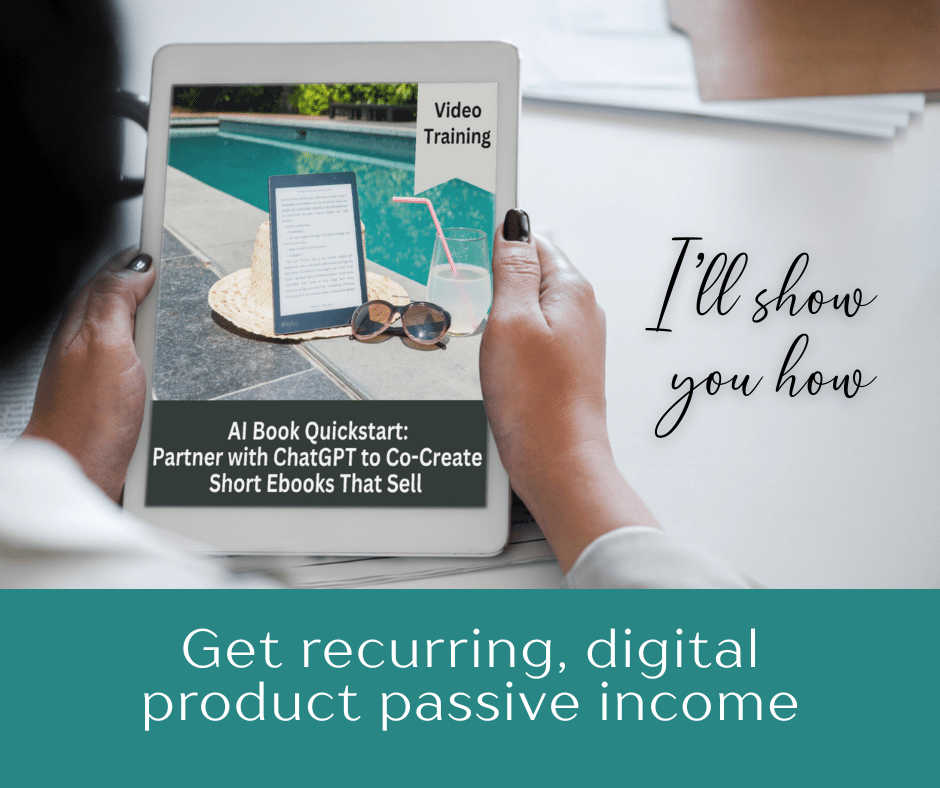
Want to Go Further With Your Kindle Books?
Discover how to collaborate with ChatGPT as an idea partner, research assistant, and co-writer to create a recurring passive income stream with short how-to ebooks.
Use code BOOK20 to get it for only $29 (normally $49).
Have questions about Amazon’s Kindle Download Update? Talk to me below!
Other Related Posts You’ll Love
How to Earn Passively Long-Term from Every Short Ebook You Create
Top Selling Digital Products to Create When You’re Not a Designer